A little birdie told me your meeting is starting.
Lost deep in code, docs, or Slack? Birdie flies across your screen the moment a meeting starts, so you never lose track of time again.
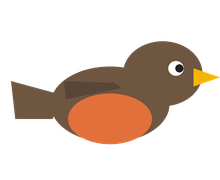
Design standup
Today · 10:00 AM
The American Robin
Robins can get tipsy on fermented winter berries, sometimes too wobbly to fly straight.

1:1 with your manager
Today · 2:00 PM
Your uploaded photo
Upload any face and it flies by as a tidy circle, a manager, a teammate, anyone.
Birdie lives in your menu bar on Mac, your system tray on Windows.
How Birdie works
It waits quietly in your menu bar (system tray on Windows) until a meeting starts. Then it takes off.
-
📅
Reads your calendar
Works with Google Calendar and Outlook / Microsoft 365, read-only. Nothing leaves your machine.
 Google Calendar
 Outlook / Microsoft 365
-
👀
Watches the clock
When a meeting is about to start, Birdie takes off, right on time or up to 5 minutes early if you like. Already in the call? It stays perched and quiet.
-
🐦
Flies by with a banner
Your chosen bird swoops past towing a little flag. Hover it to pause and see the meeting name, its time, and a one-click join.
-
💡
Shares a fun fact
Hover the bird for its name and a delightful real bird fact. Rare and legendary species even arrive trailing sparkles.
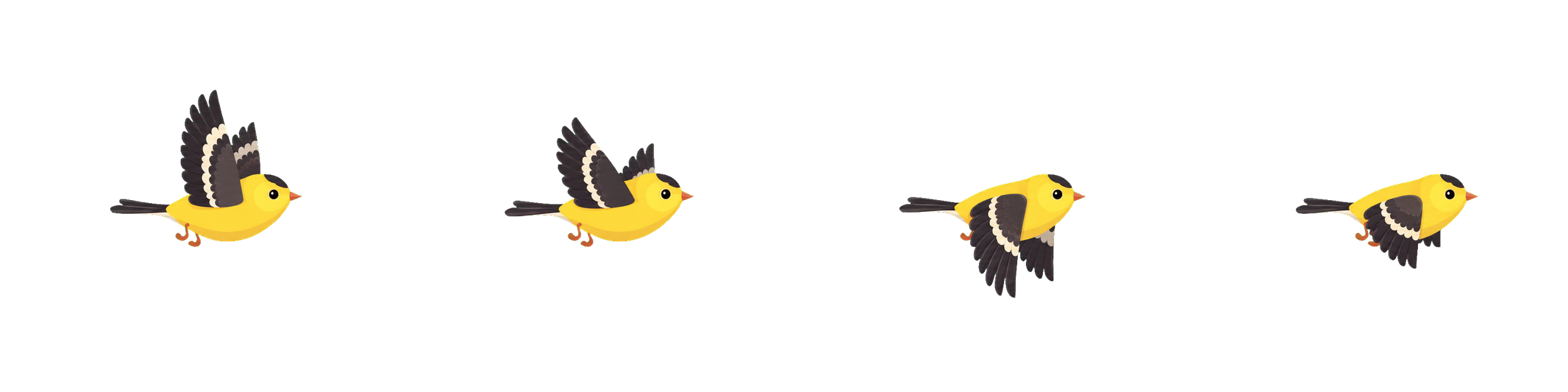

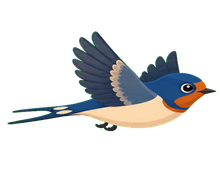
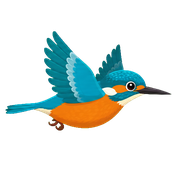
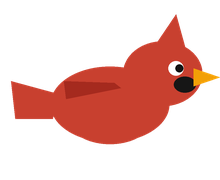
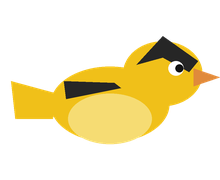
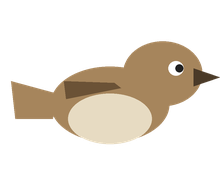
Pick who flies by.
Pick from ten everyday birds, go random, or upload a photo of a friend (or your boss). Choose the random flock and rarer species quietly unlock over time, half the fun is never knowing which little showoff swoops in next.


Random surprise
A different bird flies by each meeting, weighted like real life: the House Sparrow turns up often, a Bird-of-Paradise almost never.
Eggs that hatch
Keep Birdie around and an egg hatches every week, eight in all, unlocking rare birds you can keep for good.
Your own photo
Upload a face and it sails by as a tidy little circle.
Download, then one click.
Nothing to set up.
- Read-only access. Birdie can see your meetings, never change them
- Your calendar stays on your computer; it’s never sent to a server
- Runs quietly in your menu bar or system tray, out of the way until you need it
Ready in three clicks 🐦
Download Birdie, install it, and sign in with Google or Outlook. That’s it.
A note from the maker 👋
When I’m deep in work, I lose track of time, so I built a little bird to come get me the moment a meeting starts. Friends kept asking for it, so now Birdie is free for everyone. Here’s the whole story →
Frequently chirped questions.
What can Birdie see?
Only your calendar events, and only read-only: Google’s calendar.readonly permission, or Microsoft’s Calendars.Read if you connect Outlook. Birdie can never create, edit, delete, or send anything.
Where does my data go?
Your calendar data goes nowhere. It is read on your computer and stays on your computer, and no Birdie server ever sees it. To help improve Birdie, the app shares a small anonymous usage summary (flyby and meeting counts, your platform and app version, a random ID, never any calendar content) which you can switch off in Settings anytime. The only personal thing we keep is the email (and name) you give us when you sign up to download or ask to be notified, so we can send you your link and the occasional update, never your calendar. The privacy policy is a two minute read.
Which calendars and platforms work?
Birdie works with Google Calendar and Outlook / Microsoft 365, on macOS (Apple Silicon and Intel) and Windows 10/11. Both builds are available today, so grab whichever one you need from any download button above.
Why is the download so big?
Birdie is built on Electron, the same app platform as Slack, Discord, and Notion, and that framework is most of the download. Birdie's own code and all its bird art are about 5 MB. The Mac app is signed and notarized by Apple. The Windows installer isn't signed yet, so Windows may show a SmartScreen warning the first time: click More info, then Run anyway. Either way, Birdie checks your calendar with read-only access and never sends your data anywhere; the size is the platform, not what the app does.
Why is it free?
I built Birdie for myself and love sharing it. The app runs no servers, your own computer does all the work. It stays free.
Let a little bird watch the clock for you.
Birdie is a tiny, free app that perches in your menu bar or system tray, out of the way until it’s time to fly.
- 1 Sign up and download Birdie
- 2 Open the file and install Birdie
- 3 Launch it and sign in with Google or Outlook, that’s it
Mac & Windows · Google Calendar & Outlook